Overview
A Series B healthcare analytics company with 200+ hospital clients needed to unify their rapidly growing dashboard product. Multiple teams were building features independently, resulting in inconsistent data visualizations, conflicting interaction patterns, and fragmented UX showing up in churn feedback. Role: Lead Product Designer, 10-month engagement. Team: 5 designers, 8 engineers, 3 PMs. Tools: Figma, Storybook, Chart.js.
The Challenge
A module audit across all 5 dashboard modules found 32 chart variations, 3 different table patterns, and 4 conflicting filter styles — each built independently by different teams.
User observation sessions showed clinical analysts opening multiple modules side by side, forced to re-learn each view due to inconsistent layouts. Engineering interviews confirmed duplicate component code was eating ~20% of sprint capacity. The fragmentation was appearing directly in customer churn feedback.
Key Insights
Siloed teams created compounding debt
Each of the 5 product teams had built their own component set. Without a shared system, each team's reasonable local decisions accumulated into a product that felt like 5 different products.
Clinical users needed predictability above all
User observation sessions showed analysts switching between modules up to 40 times per session. Every inconsistency forced a mental context-switch — cognitive cost in a high-stakes environment.
“I have to re-learn how to filter every time I switch screens. It breaks my flow.”
Dark mode was a client requirement, not a nice-to-have
Two enterprise clients had NOC (Network Operations Center) environments where their teams worked in low-light conditions for 12-hour shifts. Dark mode wasn't aesthetic — it was a contract requirement.
Design Decisions
One system or per-module systems?
One shared system. This was the hardest sell politically — each team felt ownership over their components. But the data was clear: duplicate code, inconsistent UX, and a fragmented product experience only fixable with a single source of truth.
Brand blue or a new UI color?
New color. The brand blue was too saturated for dense dashboard interfaces — it competed with status colors (red, yellow, green) used throughout the data views. Teal kept brand relationship while solving the contrast problem.
Light-first or dark mode from day one?
Both from day one. The extra ~2 weeks mapping semantic tokens for both themes paid off immediately: when an enterprise client requested dark mode for their NOC screens, it shipped in 3 days instead of the estimated 3 weeks.
Approach
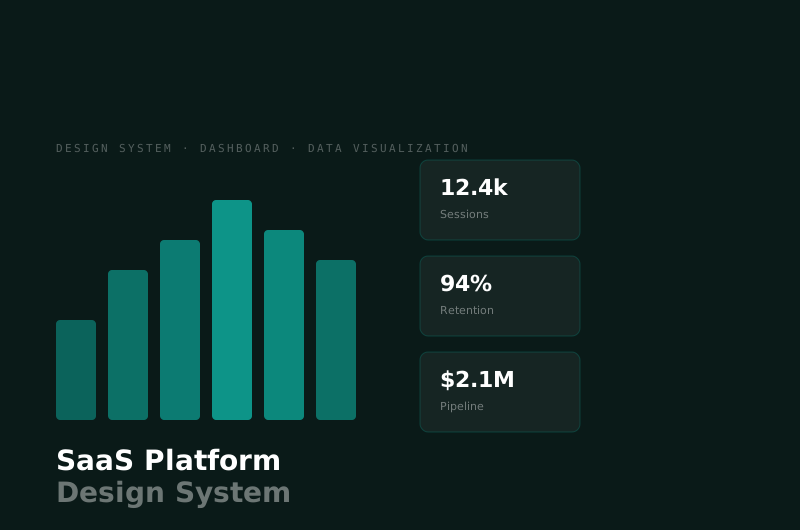
One shared system across all 5 modules — the key decision that forced all teams off their silos. Teal replaced the existing brand blue as the primary UI color (brand blue was too saturated for dense dashboard interfaces, competing with status colors). Semantic tokens were mapped for both light and dark themes from day one: the extra ~2 weeks upfront paid off when a client requested dark mode for their NOC screens — it shipped in 3 days. WCAG 2.1 contrast checks were embedded directly in the token documentation so designers could ship accessible pairings without manual spreadsheet work. Component library covers buttons, inputs, status badges, data tables, KPI tiles, chart modules, and complex patterns like calendars, file uploaders, and maps.
Outcomes